Print Shop ERP Software: Order, Production & Material Management for Printing Businesses
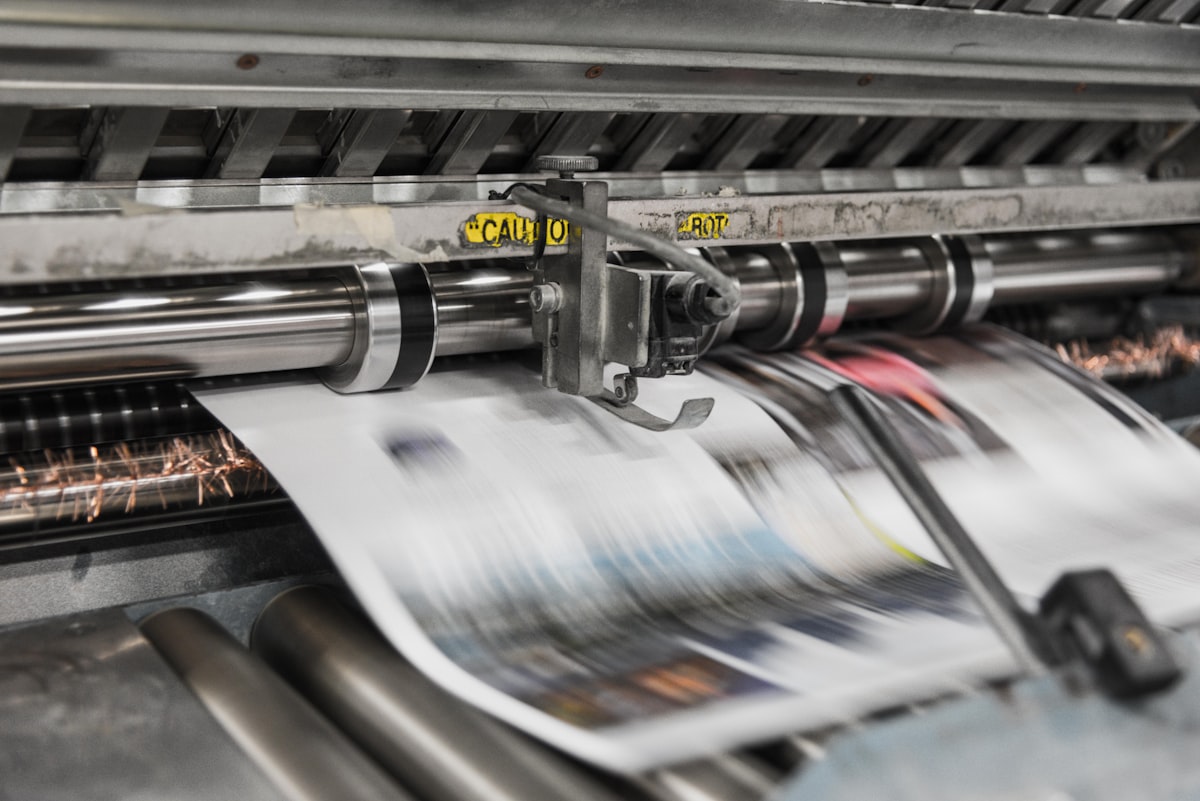
Friday night, 9:40 PM, Nathan Halim stood in the cramped hallway of his print shop, Elevate Print Co., in Surabaya, holding two crumpled job tickets. One read "3,000 wedding invitations, the Wijaya family, deadline Saturday 8 AM" — the eldest Wijaya daughter's wedding reception at the Grand Ballroom would start at 11 AM the next day, and the invitation cards were still sitting unfinished because the matte lamination hadn't come back from the outside vendor yet. The second ticket read "150 large-format banners, 3x2 meters, for a trade show booth, deliver to the Jakarta Convention Center by dawn." The problem: both jobs had been scheduled on the same wide-format digital press, because the admin who logged the queue in the paper notebook had no idea the machine was already booked solid with the trade-show job since noon.
Nathan ended up calling two of his press operators in for an overnight shift until 3 AM, paying Rp900,000 for an emergency overnight courier to get the banners to Jakarta on time, and apologizing to the Wijaya family because their invitations weren't ready until 7 AM — one hour before the ceremony. Talking it through with his three staff afterward, it hit him: the paper order book and the Excel spreadsheet he'd relied on for eight years simply couldn't keep up with a business that now handled 45-65 orders a month across five different machines. What he needed was a system that showed every order, every machine, and every material stock level on one screen — not three separate notebooks and mismatched spreadsheets scattered across three laptops.
What Print Shop Order-Management Software Actually Is
Print management software (often called a print MIS, or ERP for printing businesses) is a digital system that unifies a print shop's entire workflow in a single database — from the customer's initial quote request, through job costing, machine scheduling, design proof approval, raw material tracking, and finally delivery of the finished product. The difference from a paper job-ticket book and an Excel costing sheet, which is still how most printing businesses operate, is fundamental: a notebook and a spreadsheet are static records that only one person can view at a time, that don't talk to each other, and that never raise an automatic alert. When the operator on Press A logs a job on paper while accounting recalculates costs in a different Excel file, information always slips through the cracks — exactly what happened to Nathan.
With print ERP software, one order coming in through a customer's message becomes a single digital record everyone can see: sales sees the quotation status, the production admin sees the machine queue, the warehouse sees material needs, and the owner sees the profit margin — all in real time, all from the same single source of truth.
The Real Cost of Running Without a Digital System
- Mispriced jobs from manual material estimates: mid-sized print shops commonly lose 8-15% of gross margin per job because the paper or vinyl price used in a quote had already gone up but hadn't been updated in the admin's notes — across 50 jobs a month, that can mean losing the equivalent of Rp15-30 million.
- Idle machines from poor scheduling: internal studies of mid-sized shops around greater Jakarta show offset and digital presses sitting idle 20-30% of working hours because job queues aren't coordinated between operators — equivalent to losing 1.5-2 full working days of capacity every week.
- Paper, ink, and vinyl waste from untracked stock: without digital tracking, a typical print shop loses 5-10% of its total monthly material purchases to expired stock, wrong-size grabs, or unrecorded offcuts — for a shop spending Rp80 million a month on materials, that's Rp4-8 million simply gone.
- Missed deadlines and rush penalties: scheduling conflicts between jobs force shops to pay for express couriers or offer compensation discounts to customers, averaging Rp500,000-2 million per incident, and this can happen 3-5 times a month at shops still running on manual systems.
- Disputes with customers over proof approval and revisions: without a clear digital trail of exactly when a customer approved the final design, shops constantly get stuck in "he said it was fine over WhatsApp" versus a customer claiming they never approved — which can trigger a full reprint worth millions of rupiah per incident, simply because there's no properly stored written approval record.
Must-Have Features
- A digital quotation and job costing calculator that automatically computes paper/vinyl cost, ink, machine time, and finishing based on the size, quantity, and material the customer selects.
- A production queue and scheduling board that shows the status of every machine — offset, digital printing, large-format, screen printing — in one visual view, so admins instantly know which machine is free.
- A digital customer proof-approval portal, where customers can view design mock-ups, leave revision comments, and click approve directly from their phone instead of files bouncing back and forth over email or chat.
- Material inventory management (paper, ink, vinyl, laminating film) with automatic reorder alerts when stock nears a minimum threshold, so restocking never happens in a panic.
- Subcontractor and external finishing tracking — lamination, binding, cutting, embossing done by outside vendors — so job status stays visible even when part of the process happens off-site.
- Delivery tracking from warehouse to customer, including a digital proof-of-receipt.
- Profitability reports per job and per customer, so owners know exactly which order types are actually profitable and which customers demand the most free revisions.
- A multi-branch dashboard for printing chains with more than one production site or order-intake outlet, so the owner can monitor every branch from a single screen.
Ready-Made SaaS vs a Custom-Built System
Small-to-mid print shops with fairly standard processes — one or two machine types, orders dominated by common products like business cards, brochures, and invitations — are usually well served by an off-the-shelf SaaS subscription. Setup is fast, no in-house IT team is required, and the feature set already covers the basics of job costing and production queuing.
But shops running a more complex machine mix — offset, digital printing, large-format, and screen printing all under one roof, or with an intricate subcontractor-finishing workflow that needs to integrate with accounting software already in use — are better served by a custom-built system. Custom development lets the costing logic follow the business's actual material pricing structure, rather than being forced into a generic template that may never quite fit.
Cost and Timeline Ranges in Indonesia (Mid-2026)
Off-the-shelf SaaS print ERP software in Indonesia in mid-2026 generally runs Rp500,000-3 million per month depending on user count and features, with implementation taking 1-3 weeks. A mid-scale custom system — covering quotation, production scheduling, and material inventory modules — typically costs Rp45-110 million with a 2-4 month build. A large-scale custom system for a printing chain with multiple branches, full accounting integration, and a complete customer approval portal can run Rp180-400 million with a 4-8 month timeline. Beyond the initial build, budget roughly 15-20% of the investment annually for maintenance, updates, bug fixes, and feature adjustments as the business grows.
Case Study (Illustrative Composite)
The story below is a composite illustration of patterns commonly seen among mid-sized print shops, not a report on any single real company. Heritage Print Solutions, a commercial printing business in Bandung running three offset presses and two digital wide-format machines, faced a problem much like Nathan's: order volume grew from 30 jobs a month to 90 jobs a month over three years, but their record-keeping was still a notebook and a spreadsheet.
After rolling out a custom print ERP system in early 2025, complete with job costing, a machine scheduling board, and a customer approval portal, the measured results after eight months of use were striking: on-time delivery rate rose from 68% to 94%, material waste fell from around 9% to 3% of monthly purchases, average quoting time per job dropped from 45 minutes to 8 minutes thanks to automated calculation, and most importantly for the owner, for the first time they could see real-time margin reports per job — revealing that 20% of their customers were actually generating under 5% margin, which prompted a round of price renegotiation.
Metrics to Track After Implementation
- On-time delivery rate, before versus after the system goes live.
- Percentage of material waste against total monthly purchases.
- Average quotation turnaround time per job.
- Machine utilization rate (percentage of working hours actually spent producing).
- Average profit margin per job and per customer category.
- Number of design revisions per job before final customer approval.
Where to Start
If your print business is still running on job-ticket notebooks and Excel files scattered across a few laptops, the first step is mapping your actual workflow — from quotation to delivery — and identifying which feature is most urgent to digitize first. Check pricing to see investment ranges for a print ERP system sized to your business, or go straight to submit a project to discuss your print shop's specific needs with the AFSS team.
Have a similar project?
Free consultation, no commitment. Tell us what you need — we'll help you find the best solution.
Free Consultation

